Cutle - Cut the Shape as Close to 50:50 as You Can
What Is Cutle?
Cutle is a quick shape-cutting puzzle game. Your goal is simple: draw one clean cut through the shape and split its filled area as close to 50:50 as possible.
How to Play Cutle?
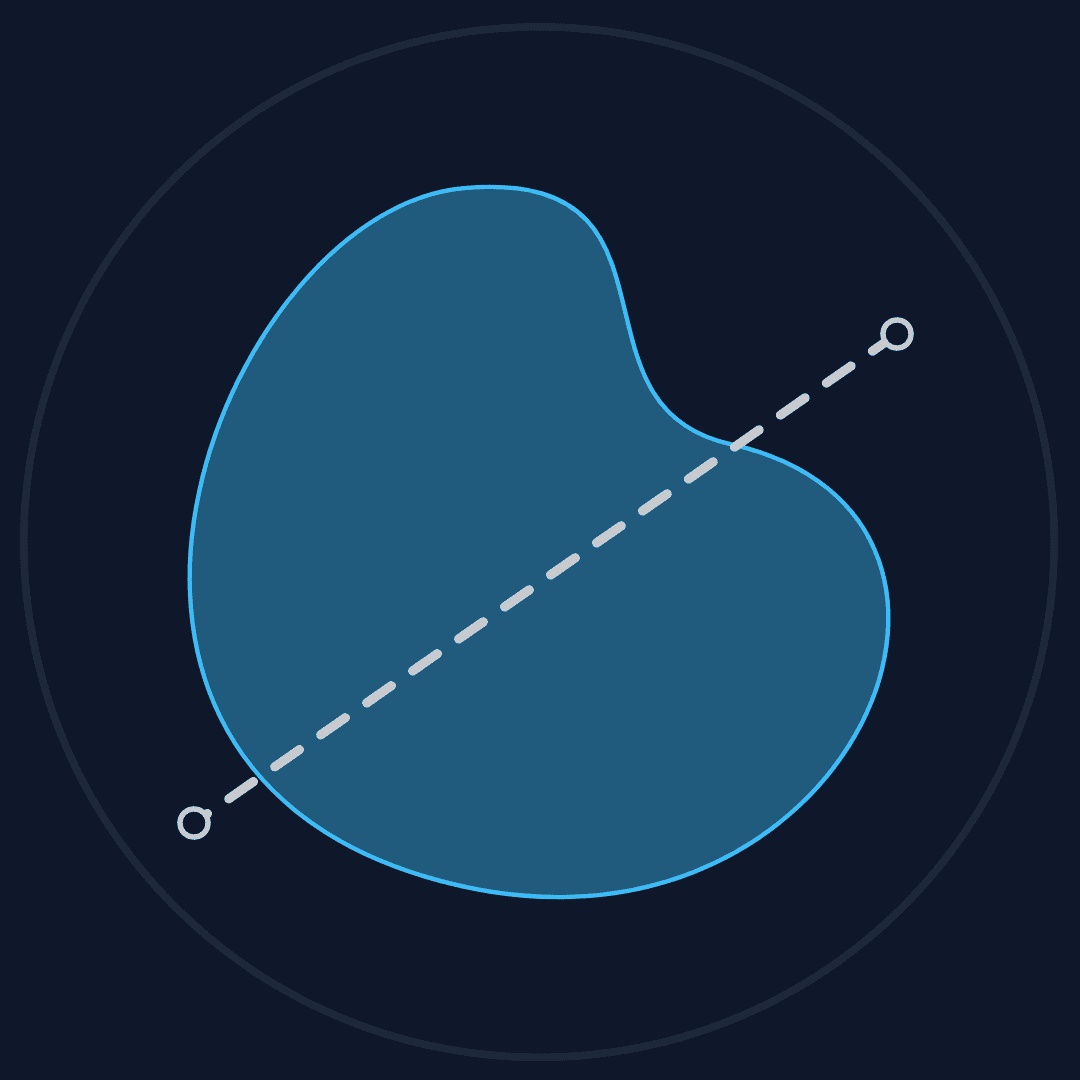
Press or click inside the game board, drag a line completely across the shape, and release to make your cut.
Some Archive shapes contain holes or multiple separate regions. Cutle measures the total filled area across all regions.
After a valid cut, Cutle separates the two sides and displays the rounded area ratio and precise score.
The goal is to achieve a 50:50 split, but even a 48:52 split is a good result.
Click or tap the finished shape, or select Reset, to retry the current challenge. Open the Archive to choose another published daily shape.
The cut only counts when your line passes fully through the shape.
When the two rounded percentages are no more than 2 percentage points apart—for example, 49:51—Cutle plays a celebration animation.
How does Cutle measure area?
Cutle estimates the filled area on a 600 × 600 canvas. It checks a regular grid of points spaced 3 canvas units apart. Points outside the shape are ignored. Every point inside the shape is assigned to one side of your cut line, and the number of points on each side becomes that side’s estimated area.
This sampling method works with irregular SVG paths, holes, and shapes made from separate filled regions. It is an estimate rather than an exact geometric area calculation. Moving the cut line by a tiny amount can move several sample points from one side to the other. The rows are processed in small batches so the page stays responsive while the score is calculated.
How is the score calculated?
Cutle divides each estimated area by the total sampled area to get the two percentages. The large ratio is rounded to whole numbers, which is why a close cut can appear as 50:50.
The detailed ratio on the smaller line keeps one decimal place. Cutle takes the smaller of those two percentages and multiplies it by 2:
score = smaller side × 2
For example, a precise ratio of 49.6:50.4 gives a score of 99.2%. Since the precise ratio moves in steps of 0.1, the score moves in steps of 0.2. A score of 99.9% will not appear; the final two scores are 99.8% and 100.0%.
How do you get 100%?
You get 100.0% when the precise ratio rounds to 50.0:50.0. Before that rounding, the smaller side must contain at least 49.95% of the sampled area. The difference between the two sides must therefore be no more than 0.1 percentage points.
Start with a line of symmetry when the shape has one. For uneven shapes, compare the filled area rather than the outline length, then make very small changes to the cut’s position or angle. A displayed ratio of 49.9:50.1 scores 99.8%, so it is the closest result below a Perfect score.
Trophies
You will earn a trophy when your score meets the specific criteria:
- Perfect: 100.0% precise score
- Gold Trophy: rounded 50:50 without a perfect score
- Silver Trophy: 49:51 or 51:49
- Bronze Trophy: 48:52 or 52:48
You can view earned trophies on shapes in the Archive, beside the current daily shape, and in the Stats panel.
Trophy and progress data are stored in this browser.
Infinite Mode
Daily gives everyone one shape to solve each day. Want to keep cutting? Choose infinite from the selector beside the Cutle title and play as many locally generated shapes as you like.
Each shape is smooth, closed, and randomly generated in your browser. After every cut, you get the same instant ratio, score, and celebration feedback as Daily mode. Choose Next for a new shape, or Reset to retry the current one.
Infinite is a no-pressure practice mode. It does not use the Archive, Stats, trophies, or saved progress, and none of its shapes or scores are stored. Refreshing the page returns you to Daily mode.
Tips for the game
- The simplest approach is to locate the line of symmetry of the figure and cut along it.
- Observe carefully; do not focus solely on the dimensions of the shapes. Even if a part of a shape appears very long, it may not actually occupy much area.
- Remember the starting point of the previous cut and make fine adjustments to avoid starting over every time.
FAQ
Is this game completely free?
Yes, you can play Cutle online for free.
How can I play with more shapes?
Open the Archive to replay published daily shapes, or switch to Infinite mode for locally generated shapes.
Can I play more than a game per day?
Yes. You can retry the current challenge, replay shapes from the Archive, or switch to Infinite mode.
Can I play with custom shapes?
Yes. You can play custom shapes using SVG path data.